
The planner he’ll actually use. Simple on purpose.
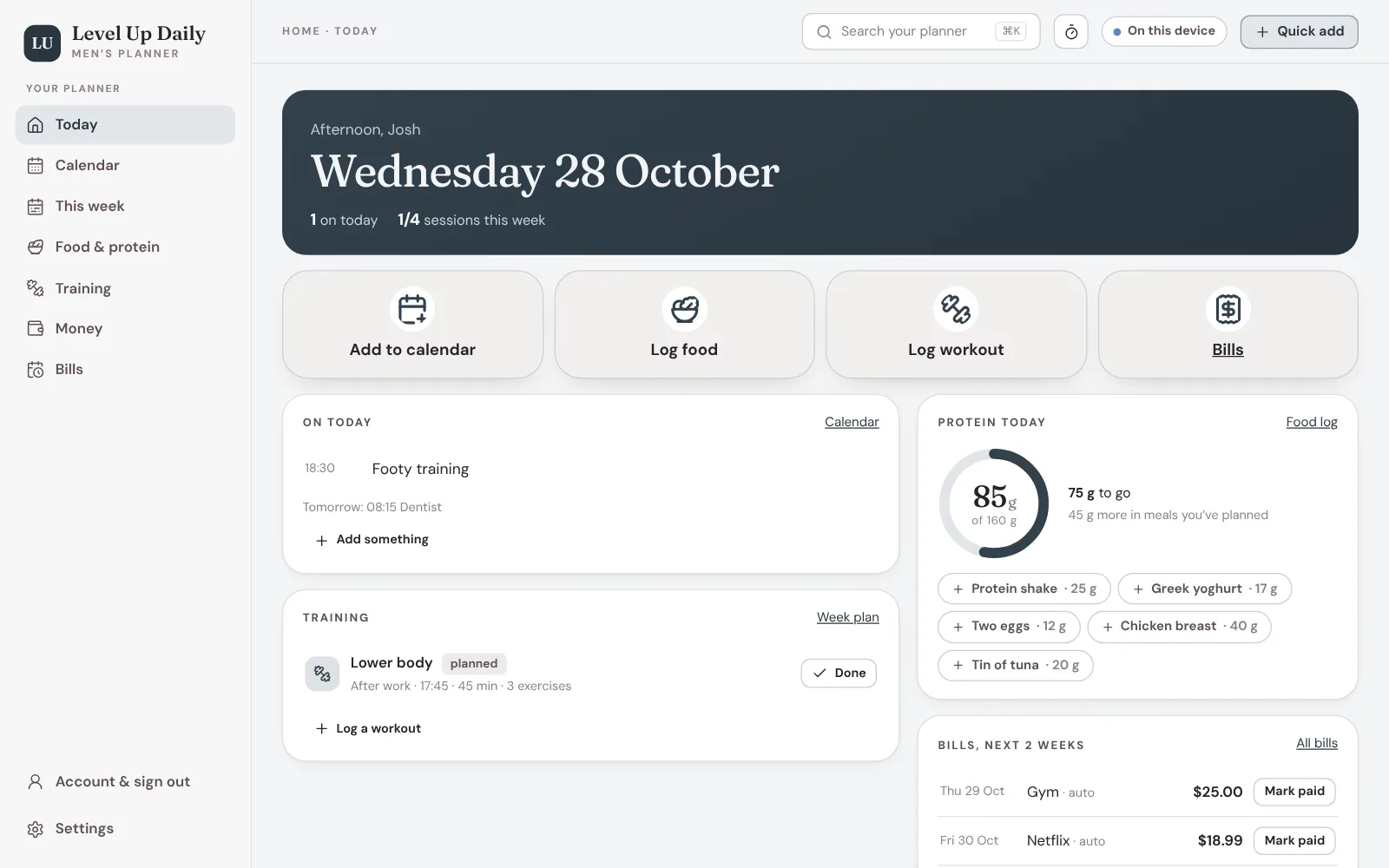
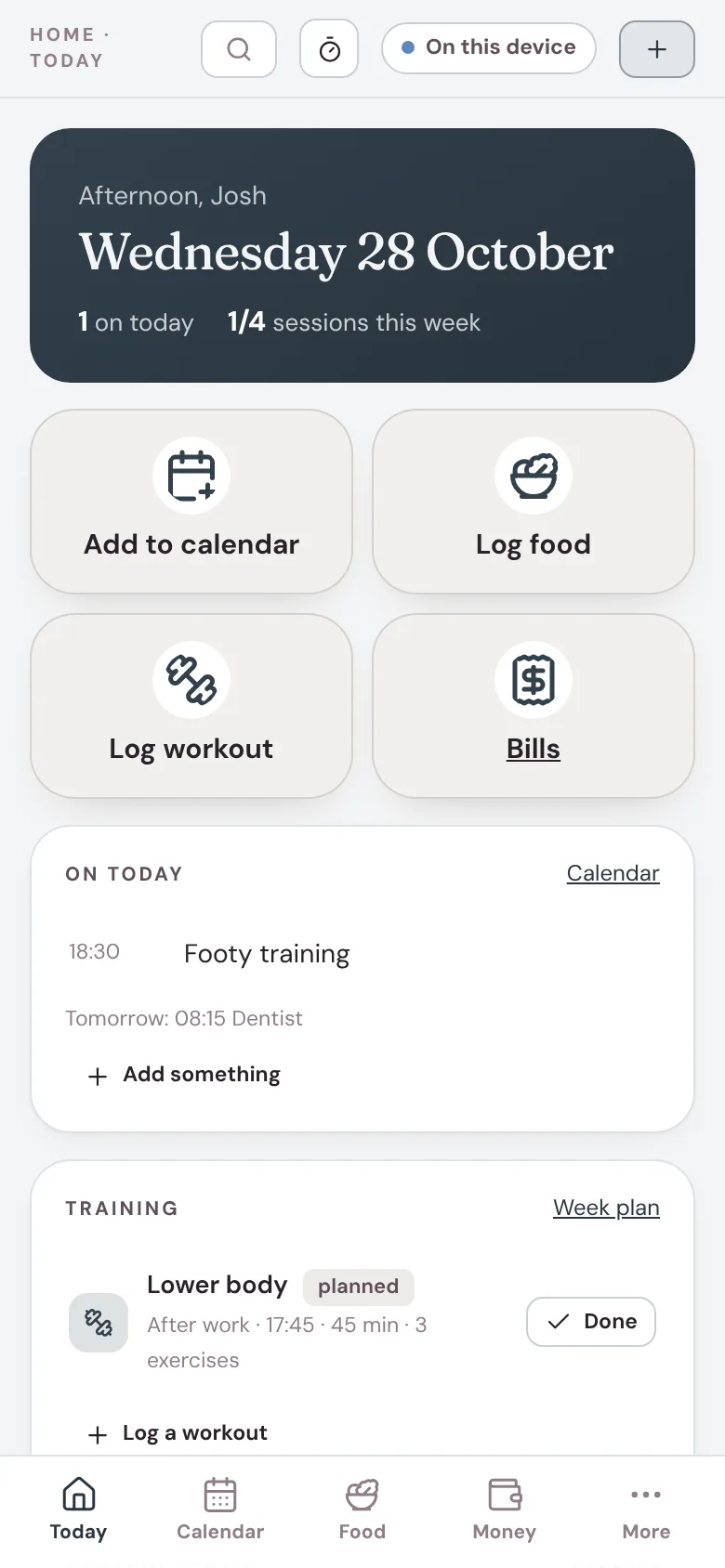
What’s on, protein, training and bills, on one screen. No journal, no colour-coding, no hour of setting up. He answers four questions and it’s ready.
Buying it as a gift? Here’s how. Works on iPhone, Android, iPad and laptop.
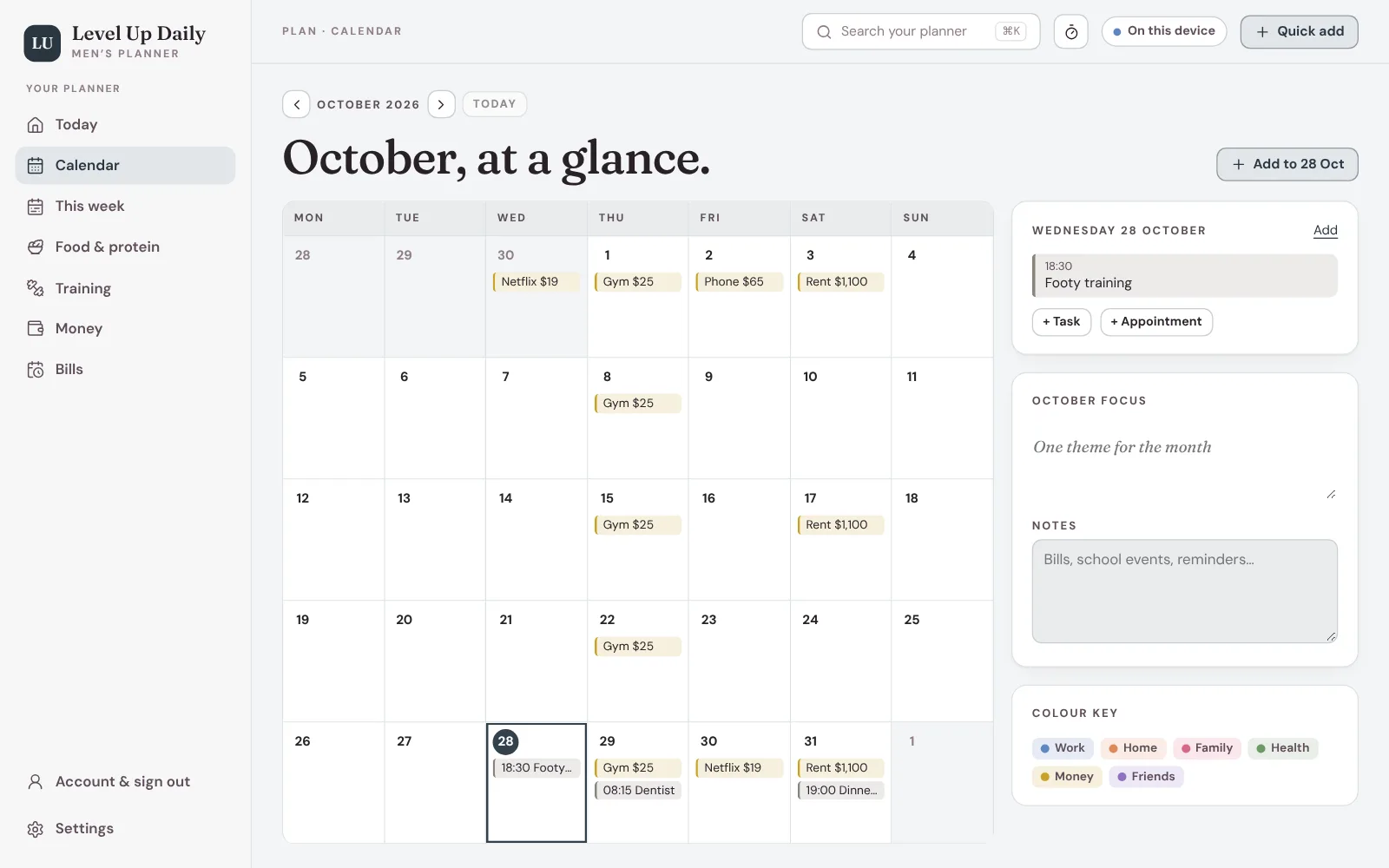
The week, without the group chat.
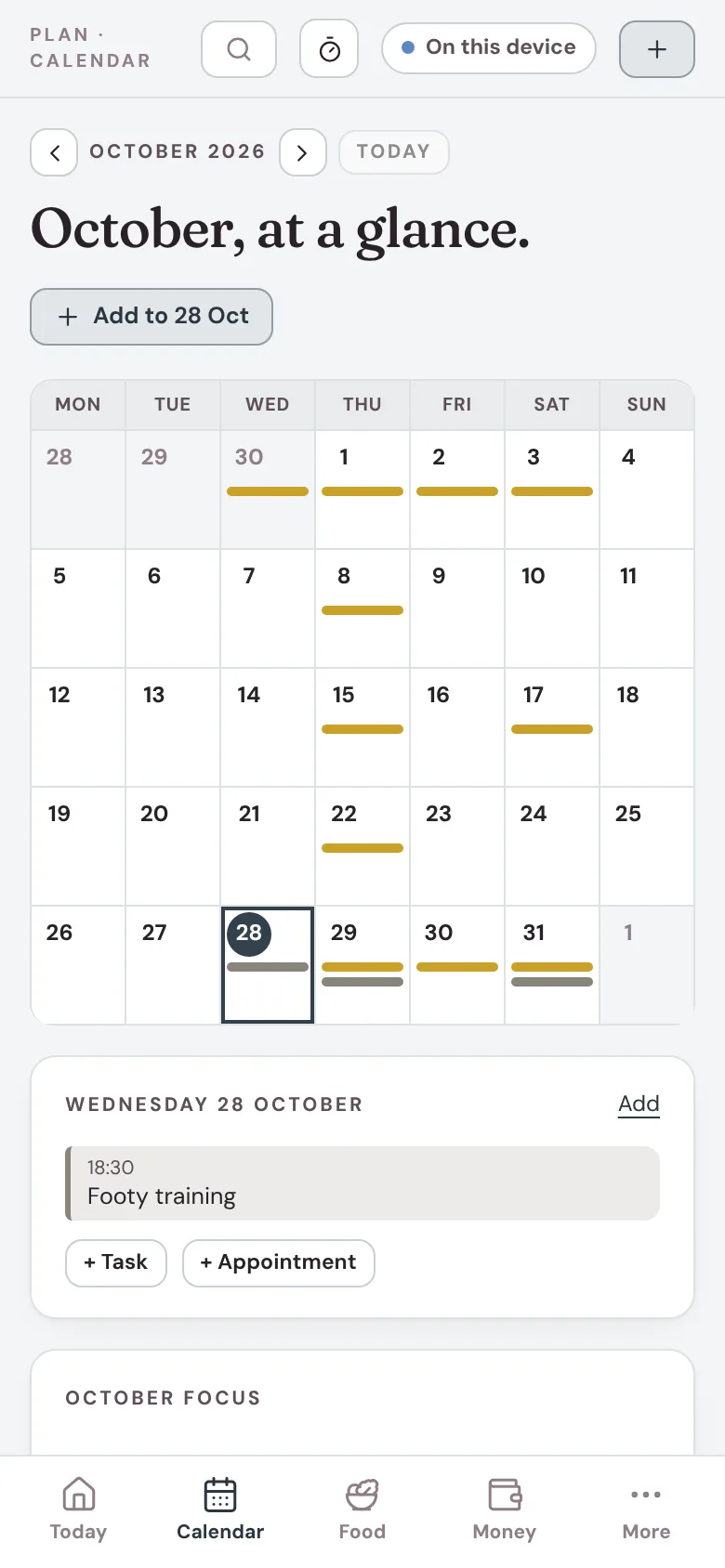
Footy training, the dentist, dinner with the in-laws. A month and week view, with bills on the dates they come out. Add something in two taps from Today.
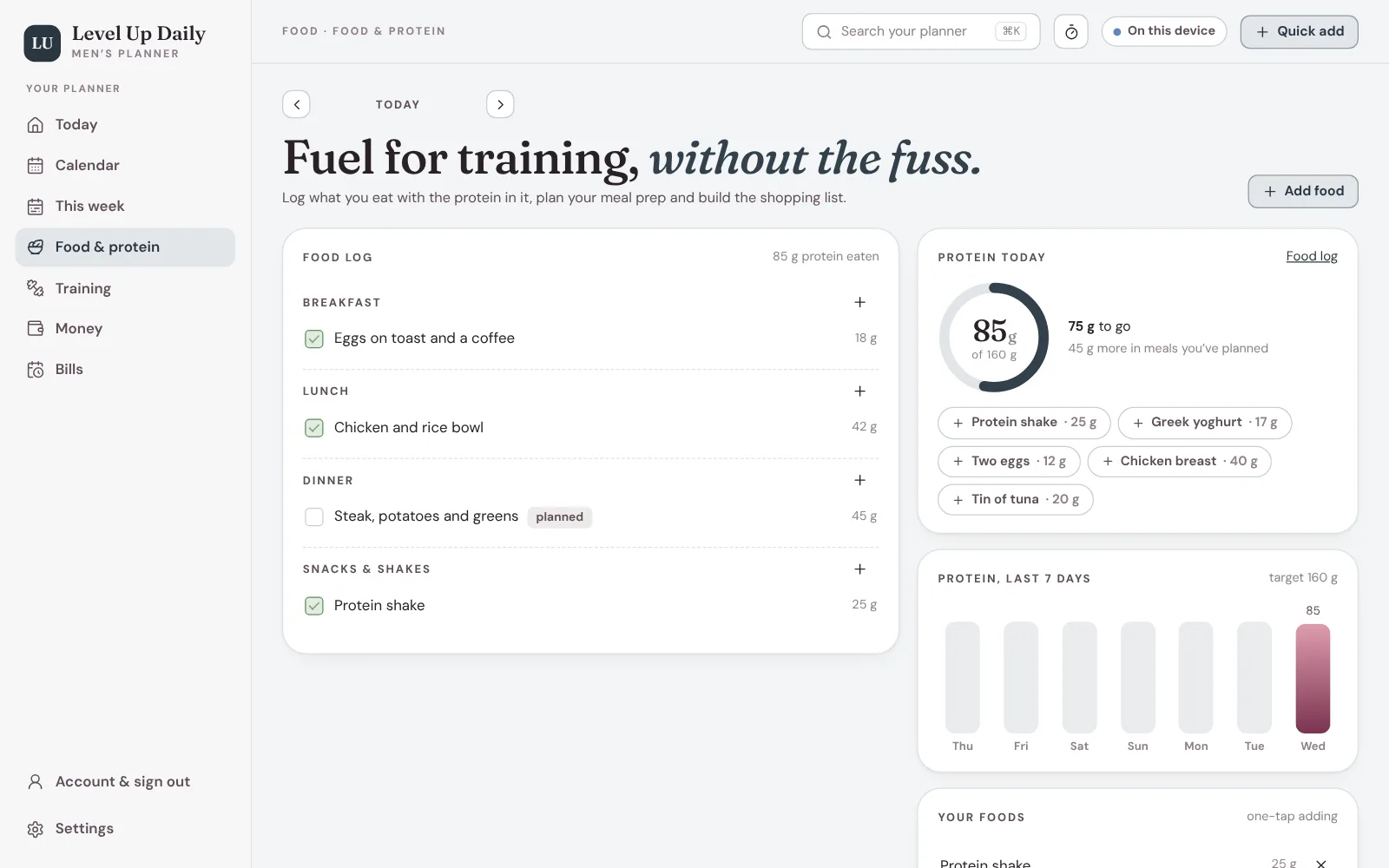
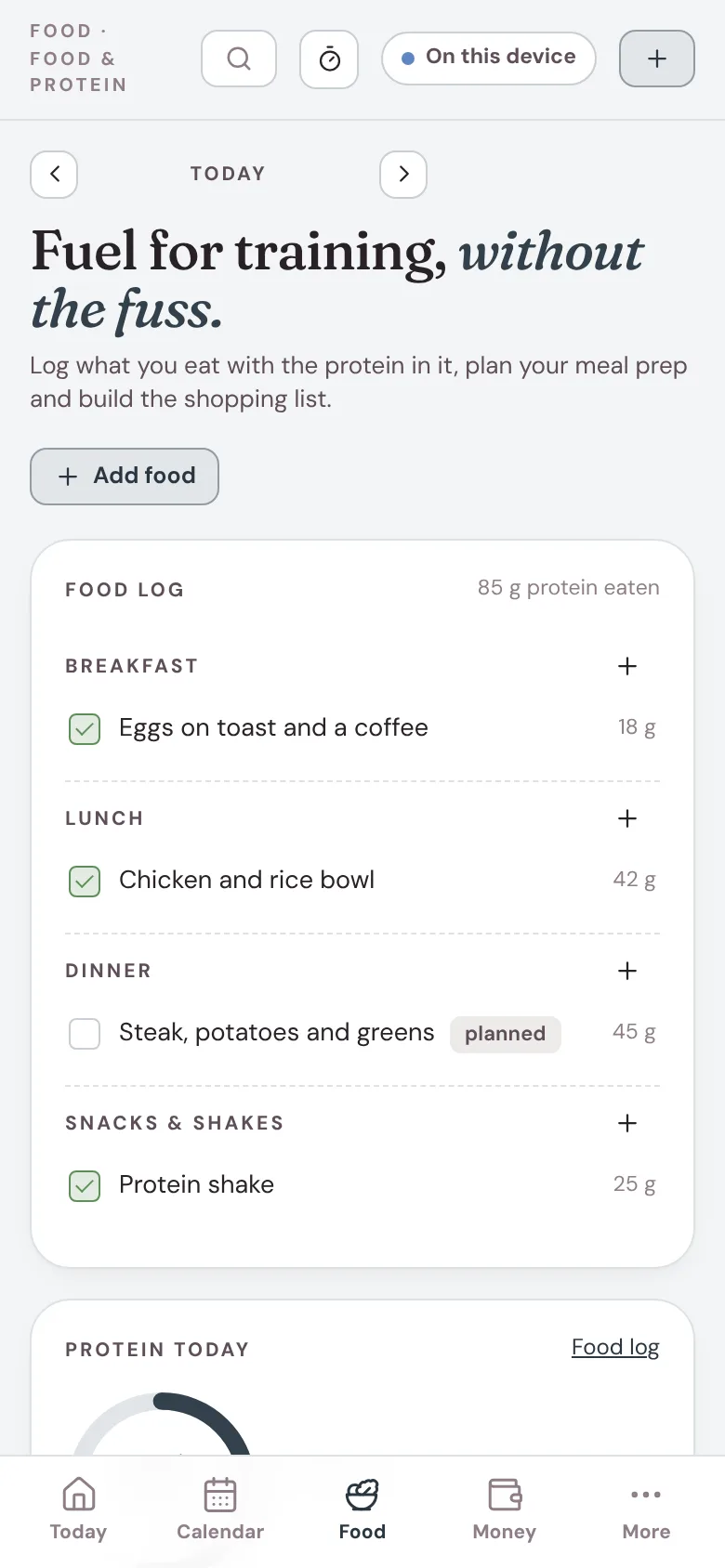
Hit the number. No spreadsheet.
Set a daily protein target (or work it out from body weight), save the foods he eats all the time, and log them in one tap. Plan meals for the week and turn them into a shopping list. Calories are off unless he wants them.
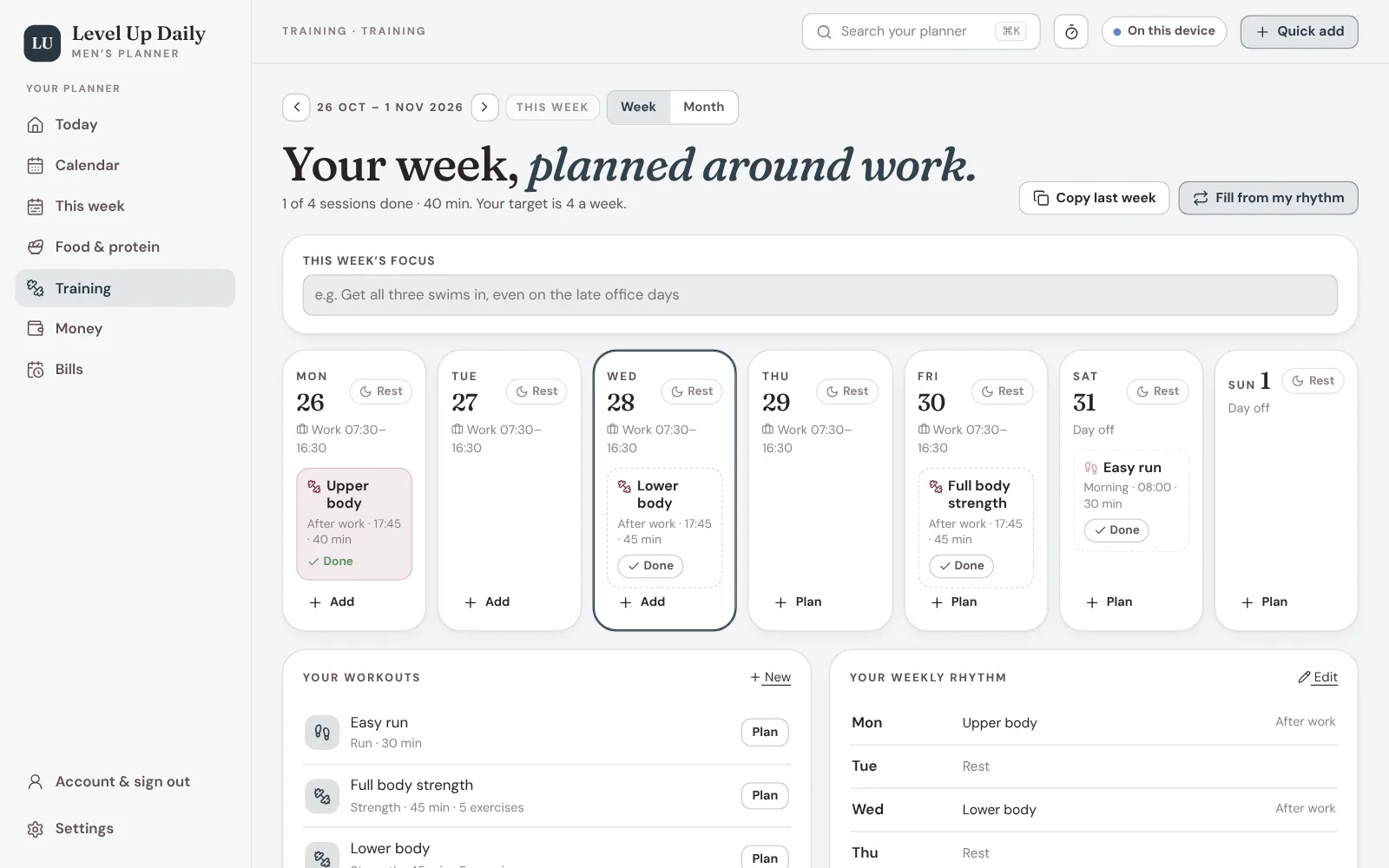
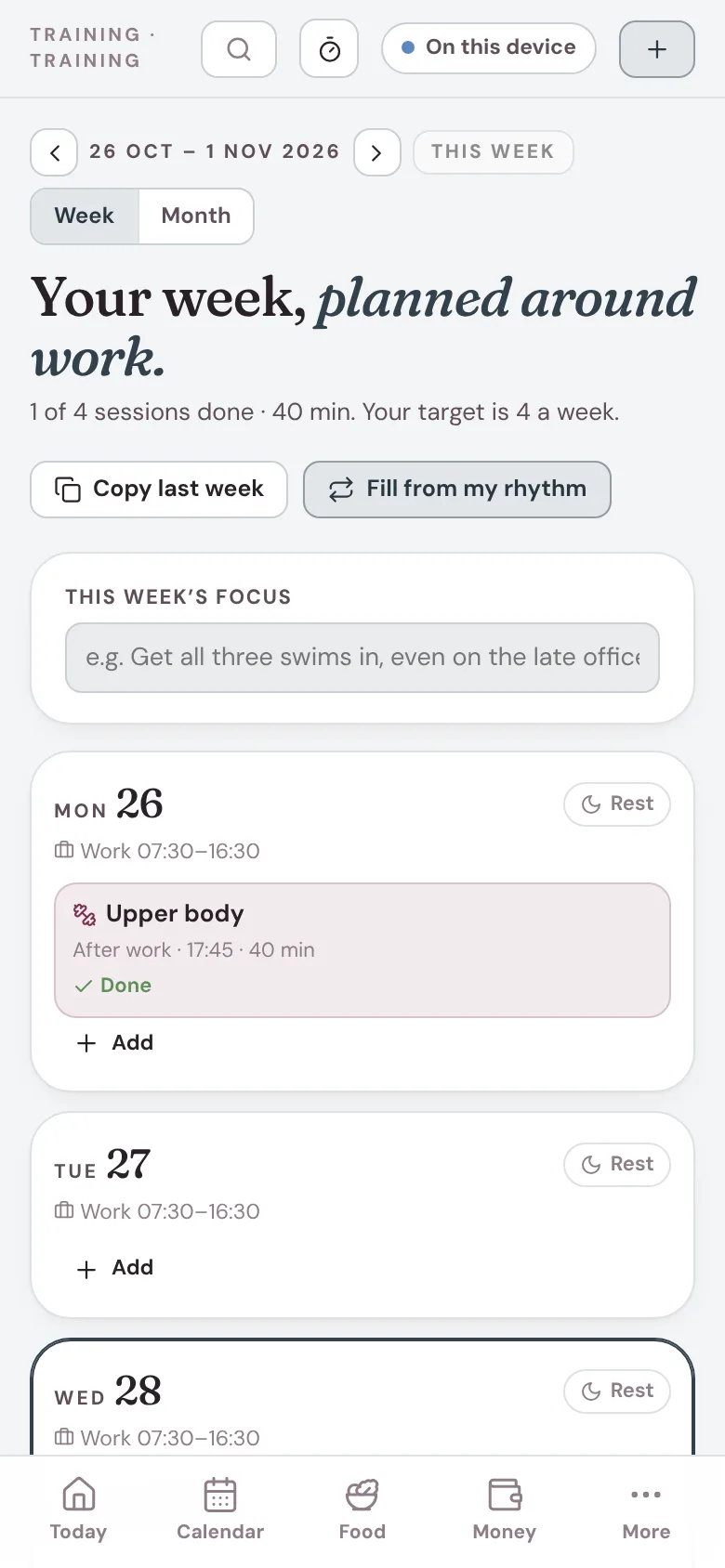
Sessions planned around work.
Gym, runs, rides or team sport, planned before work, at lunch or after. Log sets, reps and weight, and see what he lifted last time while he’s logging.
Payday to payday. Sorted.
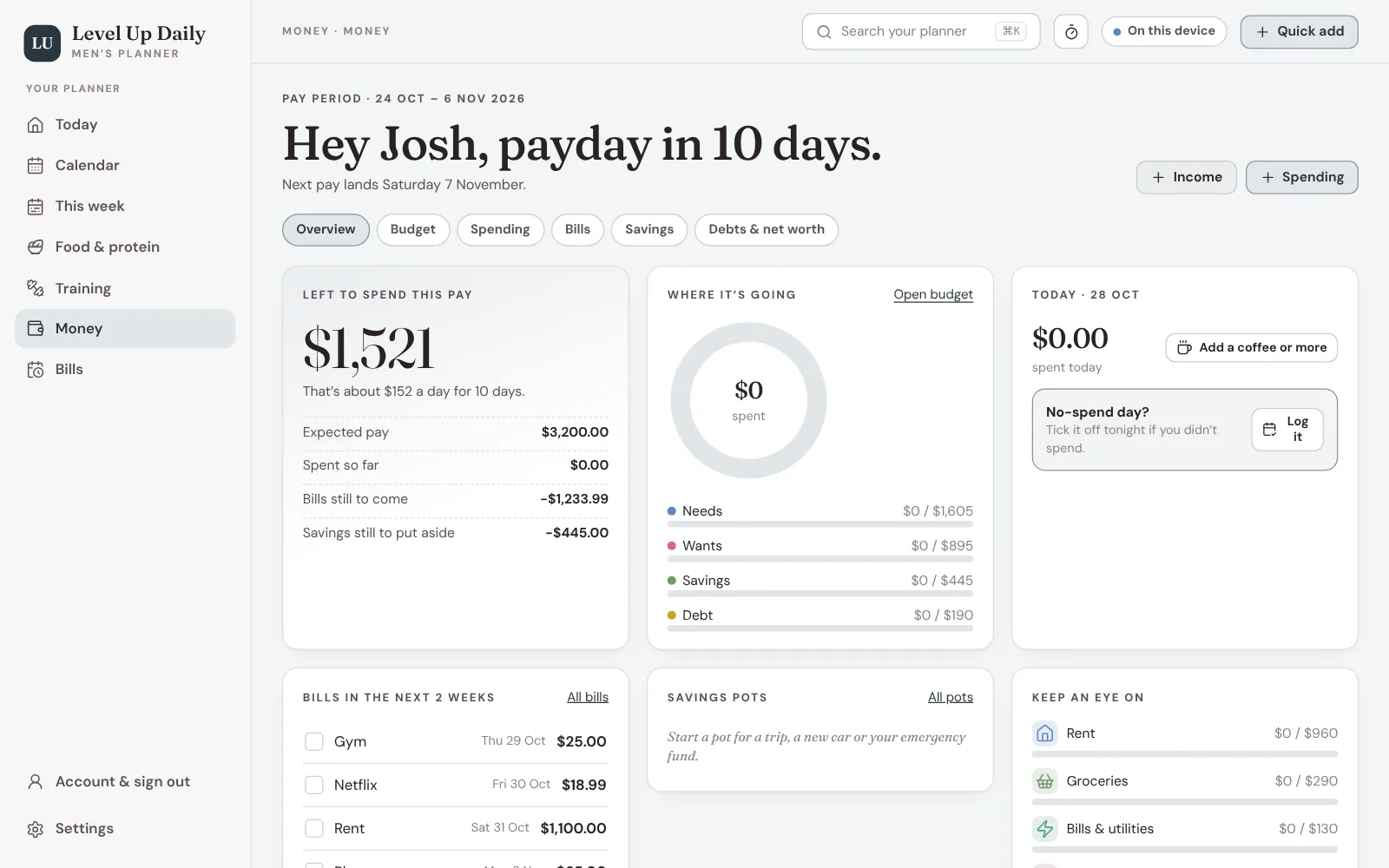
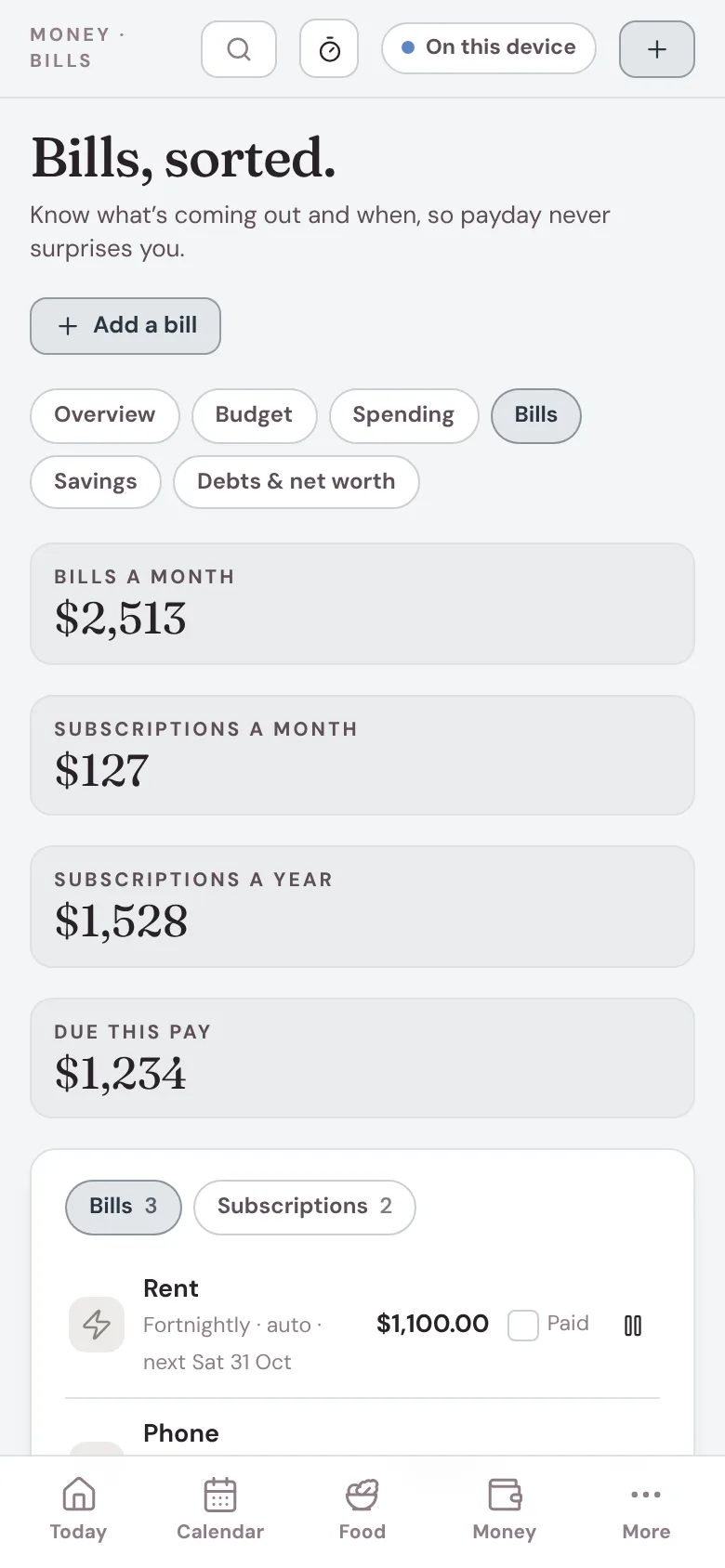
Rent, phone, rego, the gym and every subscription, with what’s due in the next two weeks on Today. A simple budget that runs from one payday to the next, and a running total of what’s left.
Easy to give. Nothing to wrap.
Use his email at checkout
The planner belongs to the email used at checkout, so put his in. His sign-in email (and the Stripe receipt) goes straight to him.
He taps the button in the email
It opens the planner and asks four quick questions: what he trains, his work hours, a protein target and payday.
Done
His week is planned, with rest days, and bills show up before they’re due. Phone, tablet and laptop, one sign-in.